Codex CLI: What It Is and How to Install It on Mac, Windows and Linux
Codex CLI is OpenAI's open source coding agent for the terminal. Install it on Mac, Windows or Linux, sign in, update it, check the version or remove it.
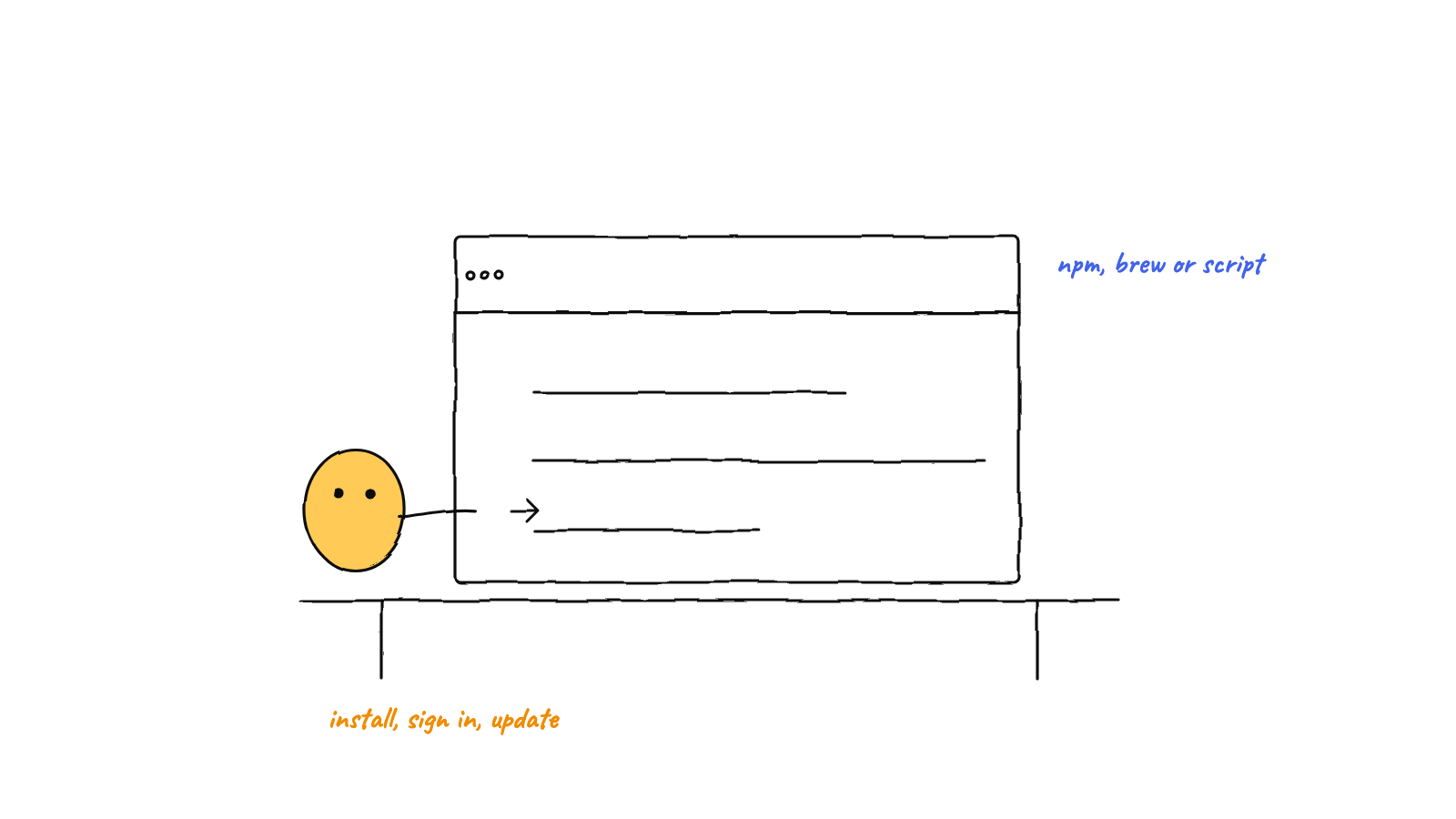
Codex CLI is OpenAI’s open source coding agent for the terminal, and you install it with one command: curl -fsSL https://chatgpt.com/codex/install.sh | sh on macOS or Linux, or OpenAI’s PowerShell installer on Windows. npm and Homebrew work too. Then run codex in a project, sign in with ChatGPT or an API key, and check codex --version.
You can do all of this by hand, or use Munder Difflin, free and open source, a desktop app that runs Codex agents next to Claude Code and other CLIs on one screen. As of Munder Difflin 0.5.3, onboarding marks Codex as INSTALLED or INSTALLS ON FIRST RUN. If codex is missing when a Codex agent starts, the app runs npm install -g @openai/codex in that agent’s terminal, installing Node first when npm is absent and a Node installer is available (otherwise it falls back to a manual step), then relaunches the agent. Each Codex agent gets its own CODEX_HOME that links your ~/.codex/auth.json and seeds its settings from your config.toml, so your terminal login carries over and your own ~/.codex stays as it was. The Munder Difflin install guide covers that setup.
What is Codex CLI?
Codex CLI is OpenAI’s coding agent that runs locally in your terminal: you describe a change, and it reads your repository, edits files and runs commands within the permissions you give it.
The source lives at openai/codex on GitHub under the Apache-2.0 licence. It’s written in Rust, so the standalone install is a native binary rather than a Node app. Plain codex opens the interactive terminal UI, and the same binary scripts well: codex exec runs a task non interactively (handy in CI), codex review reviews your changes, codex resume picks up an earlier session, and codex mcp connects outside tools over MCP.
“Codex” also names three other OpenAI products, which is where most confusion starts:
- The Codex app, a desktop app.
codex applaunches it, or opens its installer if it’s missing. - The Codex IDE extension for VS Code, Cursor and Windsurf.
- Codex Web, the cloud agent at chatgpt.com/codex, which works in the browser instead of on your machine.
And one thing that isn’t OpenAI’s at all: the unscoped codex package on npm, an unrelated documentation generator. For how the four OpenAI products fit together, and which ChatGPT plans include each one, see what is Codex.
Which Codex CLI install method should I use?
Use the standalone installer unless you already manage your tools with Homebrew or npm. It needs no Node, and updating is just running it again. Checked on 29 Sep 2026, when the current stable release was 0.158.0, published on GitHub on 28 Sep 2026 (UTC); npm and Homebrew both served 0.158.0 the same day.
| Method | Platforms | Needs Node? | Installs codex to |
Update with |
|---|---|---|---|---|
| Standalone script | macOS, Linux | No | ~/.local/bin |
Rerun the script |
| PowerShell installer | Windows (x64, ARM64) | No | %LOCALAPPDATA%\Programs\OpenAI\Codex\bin |
Rerun the installer |
| Homebrew cask | macOS, Linux | No | Homebrew’s prefix | brew upgrade --cask codex |
| npm | macOS, Linux, Windows | Node 16+ | npm’s global folder | npm install -g @openai/codex |
Pick the script if you want the fewest moving parts. Pick Homebrew if every other tool on the machine already comes from brew. Pick npm if Node is already how you install developer tools, or your company mirrors the npm registry.
How do I install Codex CLI on Mac or Linux?
Run OpenAI’s standalone installer, which downloads a prebuilt binary, so there’s nothing to set up first:
curl -fsSL https://chatgpt.com/codex/install.sh | shWe read the script again on 29 Sep 2026. It detects Apple Silicon, Intel Macs and x64 or ARM64 Linux, puts codex in ~/.local/bin, and keeps each release under ~/.codex/packages/standalone/releases. If that folder isn’t on your PATH, it adds a block marked # >>> Codex installer >>> to your shell profile and prints the export PATH line for the terminal you’re in. CODEX_INSTALL_DIR changes the target folder, and --release pins a version:
curl -fsSL https://chatgpt.com/codex/install.sh | sh -s -- --release 0.157.1The script also looks for an existing Homebrew or npm copy, warns that “PATH order decides which one runs”, and offers to uninstall the other one. Pick one method and stay with it.
Prefer a package manager? OpenAI’s README lists both:
brew install --cask codex      # Homebrew
npm install -g @openai/codex   # npm
The npm package declares Node 16 or newer in its engines field (npm registry, checked 29 Sep 2026). Some guides ask for Node 18 or 22; that’s stricter than the package itself. Mind the scope: npm install -g codex without @openai/ installs somebody else’s project entirely.
How do I install Codex CLI on Windows?
Open PowerShell and run OpenAI’s Windows installer, which installs a native codex.exe with no WSL needed:
powershell -ExecutionPolicy ByPass -c "irm https://chatgpt.com/codex/install.ps1 | iex"The script puts the command in %LOCALAPPDATA%\Programs\OpenAI\Codex\bin and adds that folder to your user Path, so open a new PowerShell window afterwards. The repo’s own requirements table still lists Windows 11 via WSL2, but the README now leads with this native installer. If your repositories already live in WSL2, run the Linux command from the previous section inside your WSL shell instead, so Codex works right next to your code.
How do I sign in to Codex CLI?
Run codex in a project folder and pick Sign in with ChatGPT, which opens a browser and hands the login back to the terminal. OpenAI’s authentication docs say the credentials are cached in ~/.codex/auth.json by default, or in your OS credential store if you set cli_auth_credentials_store. Treat that file like a password. codex login status shows which method is active.
For CI, or to pay per use at API rates, pipe an API key in:
printenv OPENAI_API_KEY | codex login --with-api-keyOn a server with no browser, codex login --device-auth prints a link and a one time code to enter on any other device. It’s in beta and has to be enabled first: in your ChatGPT security settings on a personal account, or by a workspace admin in workspace permissions. The docs also describe two fallbacks: copy auth.json across over SSH, or forward localhost:1455 so the normal browser flow works.
Is Codex CLI free?
The CLI itself is free and open source, but the model calls behind it need a ChatGPT plan or an API key. OpenAI’s Codex pricing page lists Free, Go, Plus and Pro (in 5x and 20x usage tiers) for individuals, Business, Enterprise and Edu for teams, and API key billing for pay per use (checked 29 Sep 2026). The same page carries a notice worth knowing before you settle on a model: GPT-5.5 retires from ChatGPT and Codex on all plans on 14 Oct 2026, while the API is not affected.
How do I update Codex CLI?
Rerun the command you installed with, except on Homebrew, where it’s brew upgrade --cask codex. codex --help also lists an update command, described as “Update Codex to the latest version”.
This is the step people skip. Here is the Mac this post was written on, on 29 Sep 2026:
$ codex --version
codex-cli 0.153.4
$ ls ~/.codex/packages/standalone/releases
0.137.0-aarch64-apple-darwin
0.153.4-aarch64-apple-darwin
Since 0.153.4, OpenAI has shipped eight stable releases, from 0.154.0 on 9 Sep to 0.158.0 on 28 Sep, with alpha builds landing most days in between. Falling behind takes no effort at all. The listing also shows that old builds stay in the releases folder after an update, so 0.137.0 is still on disk.
How do I check which Codex CLI version I have?
Run codex --version, which prints codex-cli followed by the version number. If the shell can’t find codex right after installing, open a new terminal so the updated PATH loads. If the version looks stale after an update, you probably have two installs: which -a codex lists them in the order your shell tries them. For anything stranger, codex doctor checks the installation, config, auth and runtime health in one report.
How do I uninstall Codex CLI?
Uninstall with the tool you installed with: npm uninstall -g @openai/codex or brew uninstall --cask codex. The standalone script has no uninstall option, so remove what it created (paths from the script, read on 29 Sep 2026):
rm ~/.local/bin/codex
rm ~/.local/bin/codex-code-mode-host   # macOS only
rm -rf ~/.codex/packages/standalone
Then delete the # >>> Codex installer >>> block from your shell profile if the script added one. On Windows, delete %LOCALAPPDATA%\Programs\OpenAI\Codex\bin and %USERPROFILE%\.codex\packages\standalone, and take the bin folder out of your user Path. Leave the rest of ~/.codex alone unless you want a clean slate: it holds your config, your login and your saved sessions.
Once it runs, Codex CLI vs Claude Code explains the sandbox and approval flags you’ll meet on your first task, and running a mixed engine office shows where a Codex agent fits next to other CLIs.
FAQ
Is Codex CLI free?
The CLI is free and open source under the Apache-2.0 licence, but the model calls behind it need a ChatGPT plan or an OpenAI API key. OpenAI's Codex pricing page lists Free, Go, Plus and Pro for individuals, checked 29 Sep 2026, so a free ChatGPT account can sign in. An API key bills per use instead.
Do I need Node.js to install Codex CLI?
Only if you install it with npm. The @openai/codex package declares Node 16 or newer in its engines field, checked on the npm registry on 29 Sep 2026. The standalone script, the Windows PowerShell installer and the Homebrew cask all download a prebuilt binary, so they need no Node at all.
What is the difference between Codex CLI and the Codex app?
Codex CLI runs in your terminal; the Codex app is OpenAI's desktop app with its own window. Both come from OpenAI and sign in with the same ChatGPT account. Running codex app from the CLI launches the desktop app, or opens its installer if it is missing.
Why does npm install -g codex install the wrong thing?
The unscoped codex package on npm is an unrelated documentation generator, not OpenAI's agent. OpenAI publishes the CLI under its own scope, so the command is npm install -g @openai/codex. If you already installed the wrong one, remove it with npm uninstall -g codex first.
How do I log in to Codex CLI on a server with no browser?
Run codex login with the device auth flag, open the link it prints on any device with a browser, and enter the one time code. OpenAI marks device code login as beta, and it has to be enabled first: in your ChatGPT security settings on a personal account, or by a workspace admin on a work account. The fallbacks are copying the cached auth.json across over SSH, or forwarding port 1455 so the normal browser login works.