Claude Code Hooks Explained: PreToolUse, PostToolUse, Stop and Exit Codes
How Claude Code hooks work in 2026: the 33 events, where settings go, matcher syntax, exit code 2, and tested PreToolUse and Stop hook examples.
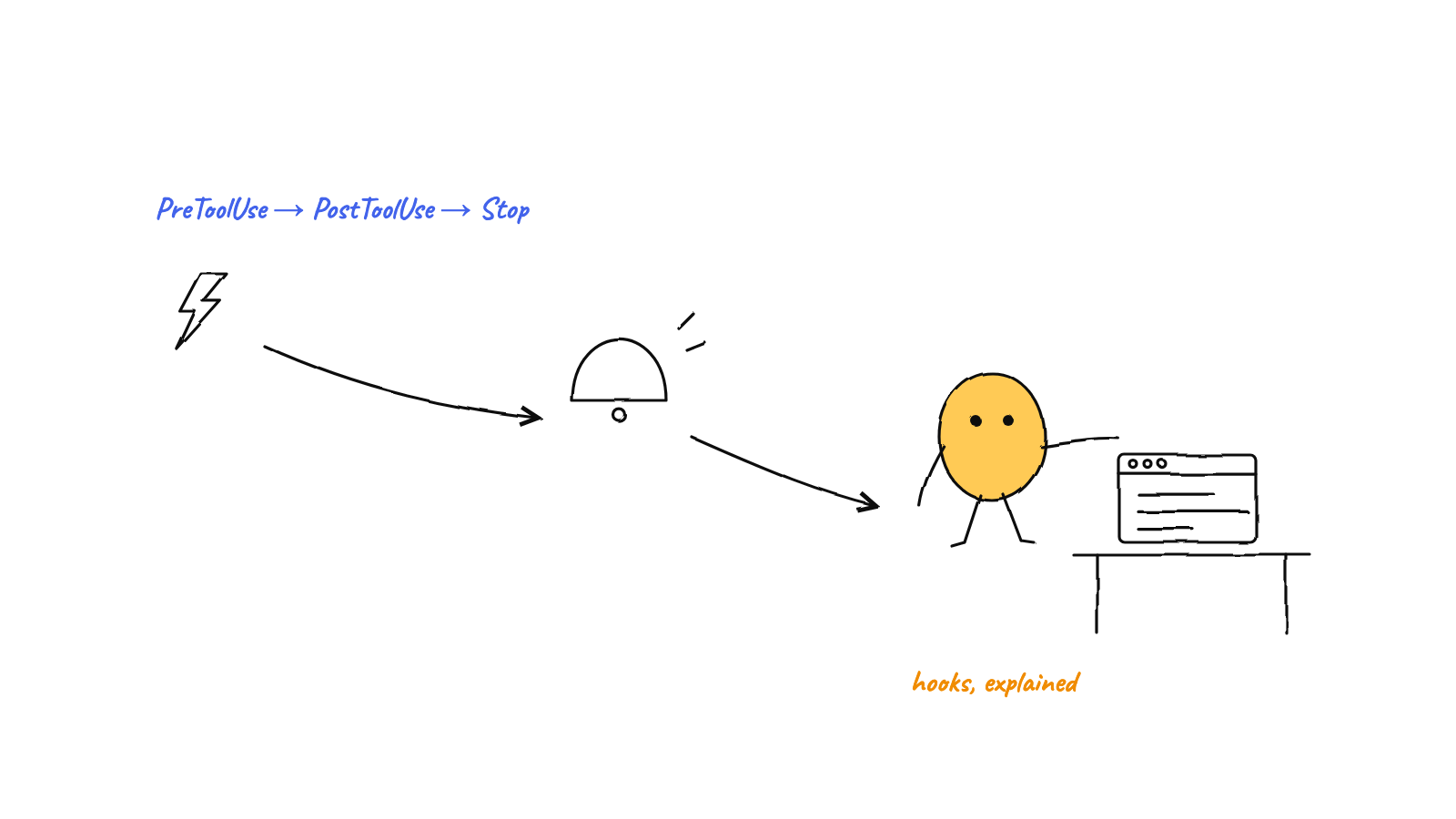
Claude Code hooks are handlers that Claude Code runs automatically at fixed points in a session: before a tool call (PreToolUse), after it succeeds (PostToolUse), when Claude finishes a reply (Stop) and 30 other events. Each one gets a JSON payload on stdin, and exit code 2 or a JSON reply lets it block or redirect Claude.
You can wire hooks by hand for one session, as this guide shows, or use Munder Difflin, free and open source, which attaches a hook set to every Claude Code agent it launches and turns the events into a live view of the whole team.
Everything below was checked on 29 Sep 2026 against the official hooks reference and Claude Code 2.1.284.
What are Claude Code hooks?
A hook is a rule that says “when this event fires, run this handler”. Most handlers are shell commands (type: "command"), but the reference now lists five types: command, http, mcp_tool, prompt and agent. As the hooks guide says, hooks give you deterministic control: a guard runs every time, not when the model remembers.
That is also the answer to “hooks vs skills”. A skill is instructions Claude may choose to load. A hook runs whether Claude likes it or not.
Which hook events does Claude Code have?
Claude Code 2.1.284 documents 33 hook events. These are the ones most people reach for:
| Event | When it fires | Can it block? | Matcher filters on |
|---|---|---|---|
SessionStart |
Session begins or resumes | No, adds context | startup, resume, clear, compact, fork |
UserPromptSubmit |
You submit a prompt | Yes, erases the prompt | No matcher |
PreToolUse |
Before a tool call runs | Yes | Tool name |
PermissionRequest |
A tool call needs a permission decision | Through JSON only | Tool name |
PostToolUse |
After a tool call succeeds | No, the tool already ran | Tool name |
PostToolUseFailure |
After a tool call fails | No | Tool name |
Notification |
Claude Code sends a notification | No | permission_prompt, idle_prompt and others |
SubagentStop |
A subagent finishes | Yes | Agent type |
Stop |
Claude finishes responding | Yes, Claude keeps going | No matcher |
PreCompact |
Before context compaction | Yes | manual, auto |
SessionEnd |
Session terminates | No | Why it ended |
The rest cover setup, instruction loading, slash command expansion, tool batches, permission denials, subagent starts, tasks, teammates, message display, API failures, config, directory and file changes, worktrees, compaction, MCP elicitations and model switches.
The Claude Code changelog records five new events in the last six months (dates are npm publish dates): PermissionDenied in 2.1.89 (31 Mar 2026), MessageDisplay in 2.1.152 (26 May), DirectoryAdded in 2.1.219 (24 Jul), and PreModelSwitch plus PostModelSwitch in 2.1.251 (28 Aug). The hooks reference also gained UserPromptExpansion and PostToolBatch in late April 2026, which the changelog never mentions. In the same window, 2.1.139 added the args exec form and 2.1.143 capped runaway Stop hooks at eight blocks in a row. It records no renamed events.
Where do Claude Code hooks go?
Hooks live under a hooks key in a settings file. ~/.claude/settings.json applies to all your projects, .claude/settings.json to one project and can be committed, and .claude/settings.local.json to one project on your machine only. Plugins (hooks/hooks.json), skills and subagents can carry hooks too, and entries from every level merge rather than replace each other.
The shape has three levels: event, matcher group, handler. This is the project file we tested for this post:
{
  "hooks": {
    "PreToolUse": [
      {
        "matcher": "Edit|Write",
        "hooks": [
          {
            "type": "command",
            "command": "${CLAUDE_PROJECT_DIR}/.claude/hooks/protect-env.sh",
            "args": []
          }
        ]
      }
    ],
    "Stop": [
      {
        "hooks": [
          {
            "type": "command",
            "command": "${CLAUDE_PROJECT_DIR}/.claude/hooks/tests-must-pass.sh",
            "args": [],
            "timeout": 300
          }
        ]
      }
    ]
  }
}
It validates against the SchemaStore claude-code-settings.json schema (we ran it through Ajv on 29 Sep 2026; a misspelt "Stopp" fails). The empty args array switches to exec form, which spawns the script directly with no shell, so the path placeholder needs no quoting. timeout is in seconds; command hooks default to 600.
How does the hook matcher work?
The matcher is a filter on one field of the event, which is the tool name for tool events. "*", "" or no matcher means everything. Letters, digits, _, -, spaces, , and | mean exact names, so Edit|Write matches exactly those two tools. Any other character turns it into an unanchored JavaScript regex: mcp__github__.* matches every tool from a github MCP server, and Edit.* also catches NotebookEdit. Matchers are case sensitive, and events without matcher support, such as Stop, silently ignore one.
Tool event handlers can narrow further with an if field, such as "Bash(git *)".
What do hook exit codes mean?
Exit 0 is success: Claude Code reads stdout as JSON if it starts with { and ends with }. Exit 2 is a blocking error on events that can block, and your stderr becomes the reason. Any other code, including 1, is a non-blocking error unless stdout holds valid JSON: the transcript shows a hook error notice and the action goes ahead anyway. A policy hook that exits 1 is a sticky note on the fridge. Everyone sees it, nothing changes.
JSON gives finer control. continue: false with a stopReason stops Claude entirely. PreToolUse answers inside hookSpecificOutput with permissionDecision set to allow, deny, ask or defer. PostToolUse and Stop use a top level decision: "block" plus reason. The old top level decision on PreToolUse is deprecated.
What does a PreToolUse hook look like?
A PreToolUse hook sees the tool name and its full input before anything runs, which makes it the place for guards. This one refuses edits to .env files:
#!/bin/bash
# PreToolUse: refuse edits to .env files. Exit 2 blocks the call.
file=$(jq -r '.tool_input.file_path // empty')
case "$(basename "$file")" in
  .env|.env.*)
    echo "Blocked: $file holds secrets. Ask the user to edit it." >&2
    exit 2 ;;
esac
exit 0
We piped it an Edit payload for /repo/.env on 29 Sep 2026. It printed Blocked: /repo/.env holds secrets. Ask the user to edit it. to stderr and exited 2. A Write to /repo/src/app.ts exited 0 with no output. A deny from a hook holds even in bypassPermissions mode; an allow cannot override your deny rules.
What is a PostToolUse hook for?
PostToolUse fires after a tool call succeeds, with tool_input and tool_response in the payload. It cannot undo anything, so use it for formatting, linting and logging; exit 2 or decision: "block" shows Claude your message next to the result. updatedToolOutput can replace what Claude sees, though the tool has already run. Failed calls go to PostToolUseFailure instead.
How does the Claude Code Stop hook work?
The Stop hook runs when Claude finishes responding, and returning {"decision": "block", "reason": "..."} makes Claude keep working with your reason as its next instruction. It does not fire when you interrupt, and API errors fire StopFailure instead. The input carries stop_hook_active, last_assistant_message, background_tasks and session_crons.
This hook keeps Claude going while the test suite fails, but only once per stop:
#!/bin/bash
# Stop: keep Claude working while the test suite fails.
input=$(cat)
if [ "$(jq -r '.stop_hook_active' <<<"$input")" = "true" ]; then
  exit 0  # already continued once; let Claude stop
fi
cd "$(jq -r '.cwd' <<<"$input")" || exit 0
if ! out=$(npm test --silent 2>&1); then
  jq -n --arg log "$(tail -n 5 <<<"$out")" \
    '{decision: "block", reason: ("Tests fail. Fix them before you finish.\n" + $log)}'
fi
exit 0
Against a test project with a deliberately broken assertion, it exited 0 and printed:
{
  "decision": "block",
  "reason": "Tests fail. Fix them before you finish.\nFAIL add(): expected 3, got 2"
}
With stop_hook_active set to true it printed nothing and exited 0, so Claude may stop. Without that check you get the loop everyone hits once. Since 2.1.143 Claude Code ends the turn after eight consecutive continuations; CLAUDE_CODE_STOP_HOOK_BLOCK_CAP raises it. If you want Claude to continue without a hook error label, return hookSpecificOutput.additionalContext instead of block. The built in /goal command is a shortcut for a prompt based Stop hook.
Why is my Claude Code hook not working?
Start with /hooks, which lists every loaded hook with its source file. After that, the usual causes are:
- Matcher case.
bashdoes not match theBashtool. - Not executable. Run
chmod +xon the script. - Exit 1 instead of 2. It logs an error and the action proceeds.
- Stray output before the JSON. A shell profile that echoes on startup breaks parsing; exec form avoids the shell.
- Fields at the wrong level.
permissionDecisionbelongs insidehookSpecificOutput. - “JSON validation failed”. Your stdout parsed but did not match the schema for that event.
Test a script alone by piping it sample JSON and printing $?, then run claude --debug and read the log in ~/.claude/debug/.
How does Munder Difflin use Claude Code hooks?
Munder Difflin launches each Claude Code agent with --settings pointing at a per agent settings.json in its own hive folder, so your repository never gets a hooks diff. Checked against tag v0.5.3 of the app repo:
- Nine events, one shim.
hookSettings()insrc/main/hive.tsregistersStop,SubagentStop,PreToolUseandPostToolUse(matcher*),UserPromptSubmit,Notification,SessionStart,PreCompactandPostCompact, all pointing at one small Node shim. The shim forwards each payload over a Unix socket (a named pipe on Windows) and exits 0 on any error, so a dead app never wedges an agent. The hook shim pattern covers the design. - Pause and gate at
PreToolUse.src/main/hooks.tsreturnspermissionDecision: "deny"when you pause an agent or gate a tool, andcontinue: falsewhen you halt one from the floor. - Context through
additionalContext. AtSessionStartandUserPromptSubmitthe same file injects an agent’s standing goal and hands Michael, the orchestrator, the live roster; guidance you queue rides in on the nextUserPromptSubmitorPostToolUse. How the orchestrator works explains the routing. - Loop detection at
PostToolUse. Repeated identical tool calls feed a circuit breaker.
One correction to the first version of this post: Munder Difflin no longer uses Stop to force an agent to keep reading its inbox. In v0.5.3 the Stop handler returns an empty reply and respects stop_hook_active; new mail is delivered only once the agent sits idle at its prompt, so it never types over a question you are answering. To try it, follow the install guide.
FAQ
What are Claude Code hooks?
Hooks are handlers that Claude Code runs automatically at fixed points in a session, such as before a tool call, after it, or when Claude finishes a reply. A handler is usually a shell command that reads a JSON payload on stdin. Its exit code or JSON output can block, allow or redirect what Claude does next.
Where do I put Claude Code hooks?
Under a top level hooks key in a settings file: ~/.claude/settings.json for all your projects, .claude/settings.json for one project that you commit, or .claude/settings.local.json for one project that stays on your machine. Plugins, skills and subagents can also carry hooks. Type /hooks in a session to see what is loaded and where it came from.
What does exit code 2 do in a Claude Code hook?
Exit code 2 is a blocking error. On PreToolUse it stops the tool call and shows your stderr to Claude as the reason; on Stop it makes Claude keep working. Exit 1 does not block on most events, so a policy hook must use exit 2 or a JSON decision.
How do I stop a Stop hook from looping forever?
Read the stop_hook_active field from the hook's input and exit 0 when it is true, because that means Claude is already continuing because of a Stop hook. Claude Code also ends the turn after eight consecutive continuations, a cap you can change with CLAUDE_CODE_STOP_HOOK_BLOCK_CAP.
Does the Claude Agent SDK use the same hooks?
It uses the same event names, such as PreToolUse, PostToolUse and Stop, but you register them as callback functions in the options.hooks field. The SDK also runs command hooks from settings files when the matching settingSources entry is enabled, which it is by default.